Archive / Center Management / NetMonitor & Chat
NetMonitor & Chat
⤢ Click to zoom
⬡ Center Management

NetMonitor & Chat

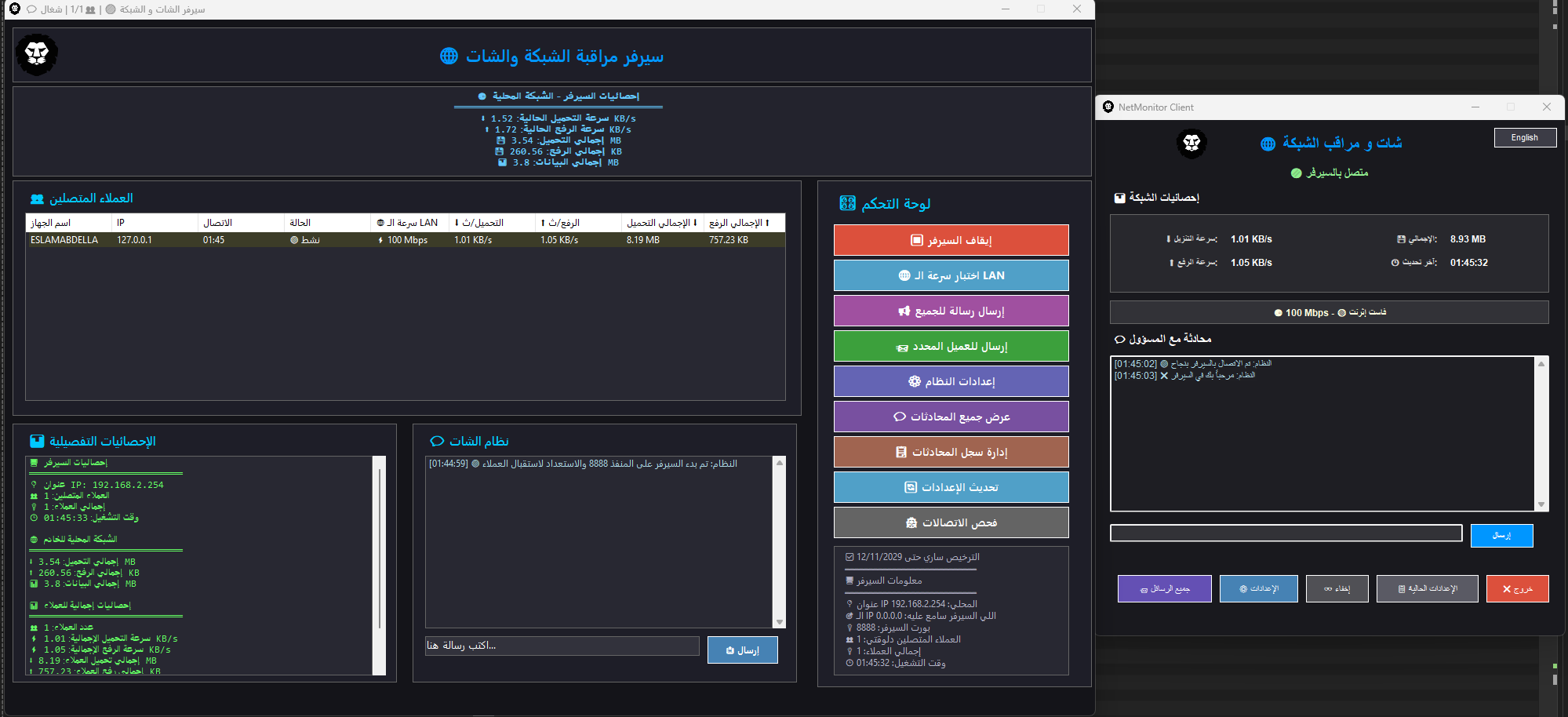
Monitor all PCs with instant chat and Windows Service client.

1,000 EGP
Monthly / Server
Download
1
Demo Video
Key Features
CPU/GPU/RAM monitoring
Windows Service
Instant chat
65 PCs
Auto-Reconnect
How to Use
1
Install NetMonitor Server on your main server PC.
2
Install NetMonitor Client on each gaming PC (runs as Windows Service).
3
Open the server dashboard — all PCs appear automatically.
4
Use the chat panel to message any PC or broadcast to all.
5
Set temperature thresholds — alerts fire when exceeded.

Need help running this system?

Our support team is available on WhatsApp around the clock.
Chat on WhatsApp
More in this category